On this page
What this connection does
Connect your Benji Pays account to your Xero company so Benji Pays can process payments for your Xero invoices.
Before you begin
IMPORTANT After you connect your selected Xero company, you cannot change it. Each Benji Pays account can connect to only one Xero company. To process payments for multiple Xero companies, set up a separate Benji Pays account for each company.
Connect Xero
- Sign in to Benji Pays, then go to Settings > Company Settings.
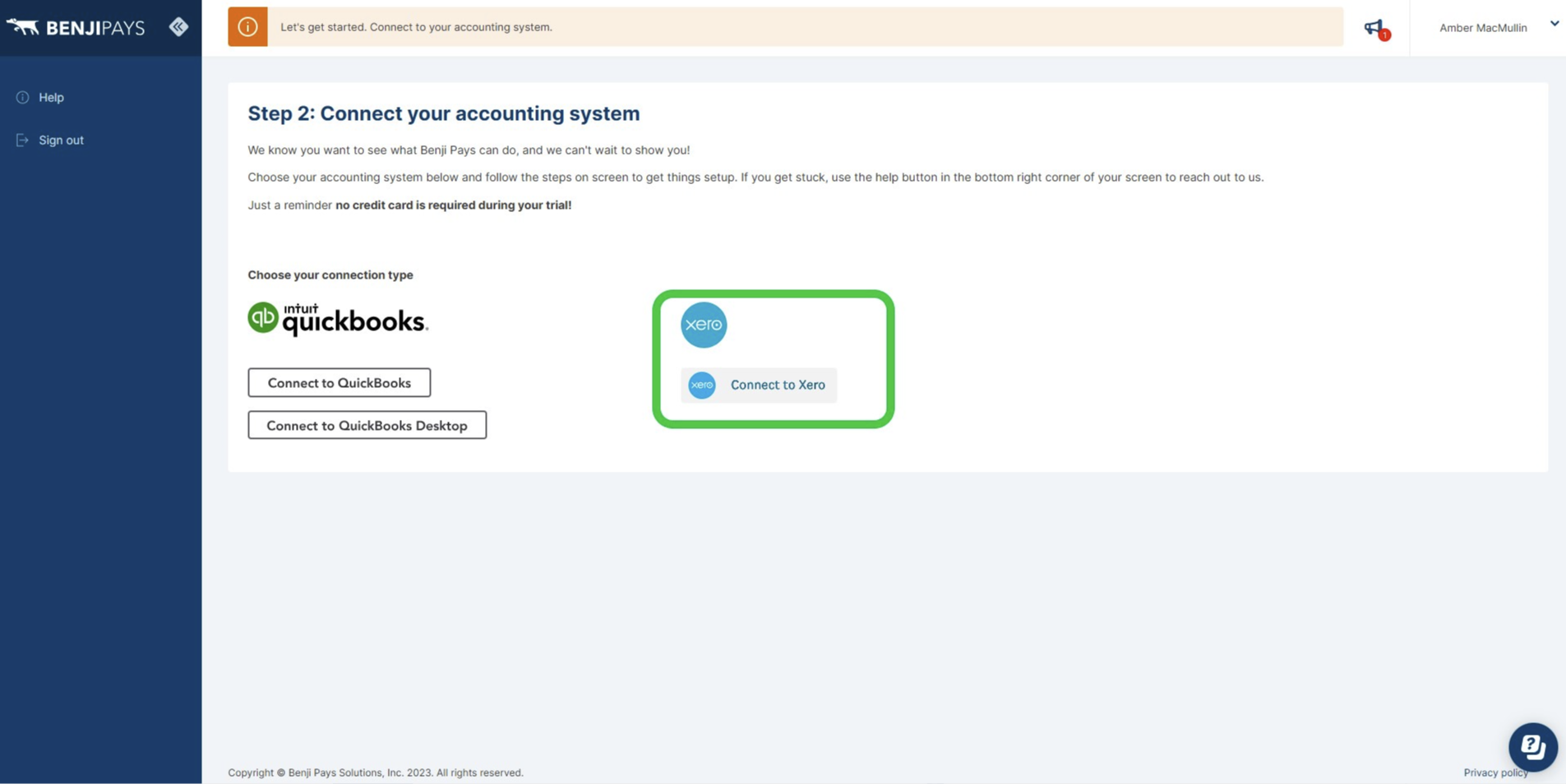
- Select Setup Xero Connection, then follow the prompts to complete the connection and authorization process.
On the Company Settings page, select Setup Xero Connection.
Was this article helpful?
That’s Great!
Thank you for your feedback
Sorry! We couldn't be helpful
Thank you for your feedback
Feedback sent
We appreciate your effort and will try to fix the article