If you already have credit cards saved in Moneris, you can securely transfer your payment tokens directly to Benji Pays; therefore, no need to re-enter your card details.
Step 1. Upload Moneris Tokens
Path: Benji Pays Dashboard > Settings > Upload Moneris Tokens
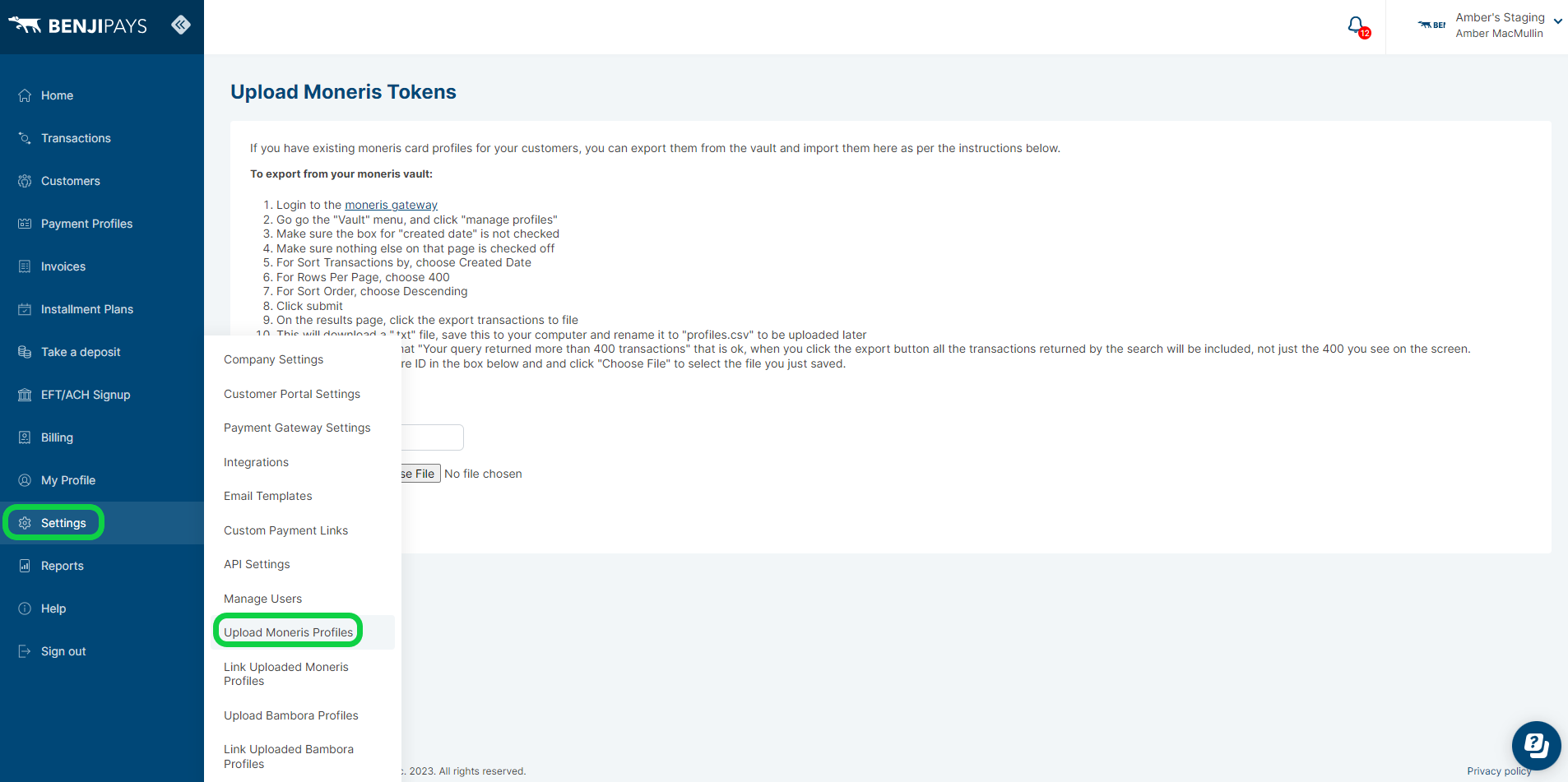
If you have existing Moneris card profiles for your customers, you can export them from the vault and import them here as per the instructions below.
To export from your Moneris vault:
- Login to the Moneris Gateway
- Go to the "Vault" menu, and click "manage profiles"
- Make sure the box for "created date" is not checked
- Make sure nothing else on that page is checked off
- For Sort Transactions by, choose Created Date
- For Rows Per Page, choose 400
- For Sort Order, choose Descending
- Click submit
- On the results page, click the export transactions to file
- This will download a ".txt" file, save this to your computer and rename it to "profiles.csv" to be uploaded later
- If you get a message that "Your query returned more than 400 transactions" that is ok, when you click the export button all the transactions returned by the search will be included, not just the 400 you see on the screen.
- Enter your Moneris Store ID in the box below and and click "Choose File" to select the file you just saved.
- Click the upload button to upload the file
Step 2: Link Uploaded Moneris Profiles
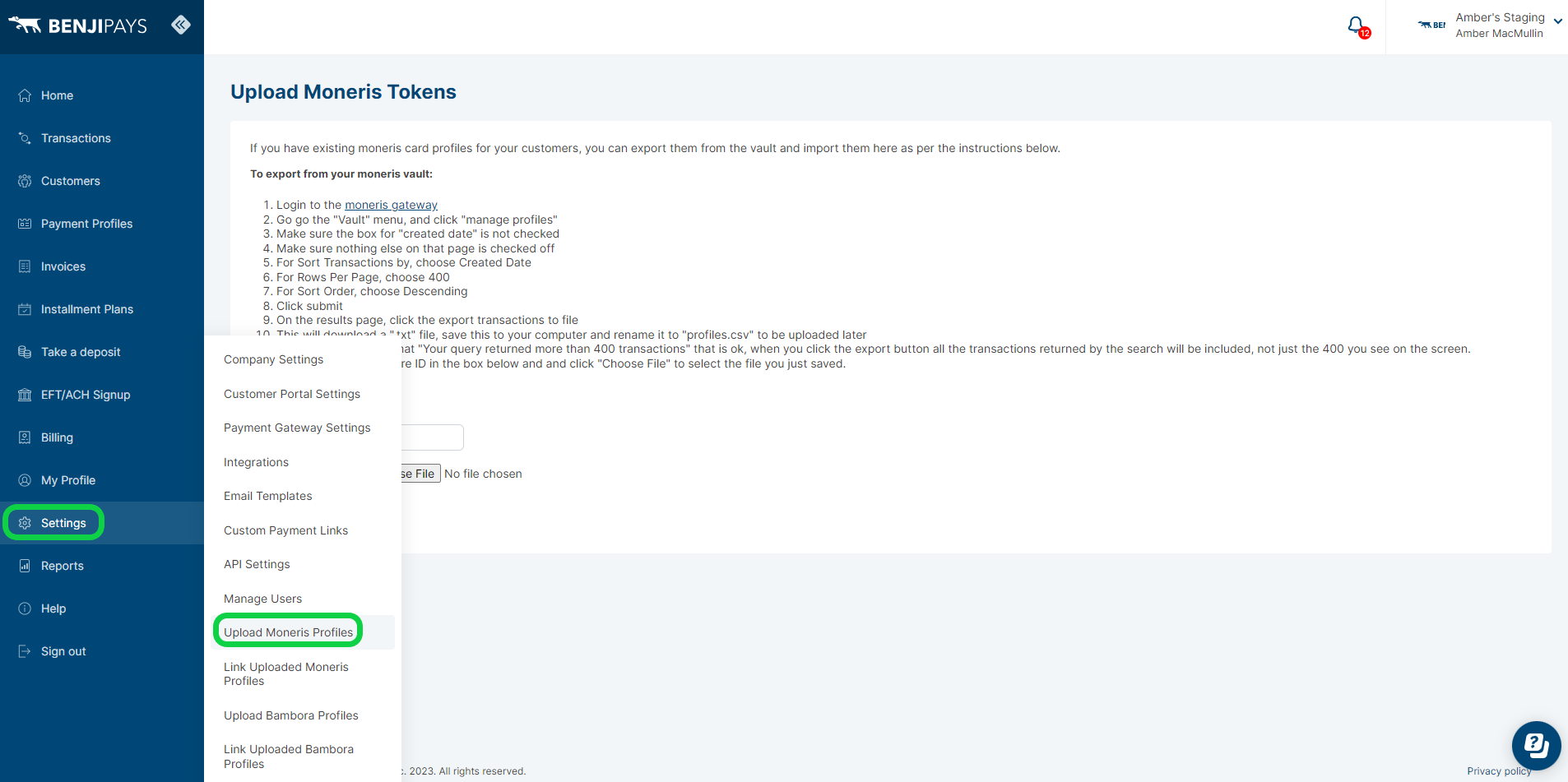
Path: Benji Pays Dashboard > Settings > Link Uploaded Moneris Profiles
For each profile below, select a customer from the drop-down. They can all be saved at once by clicking the "Save All" button at the bottom of the page, only profiles that have a selected customer will be saved.
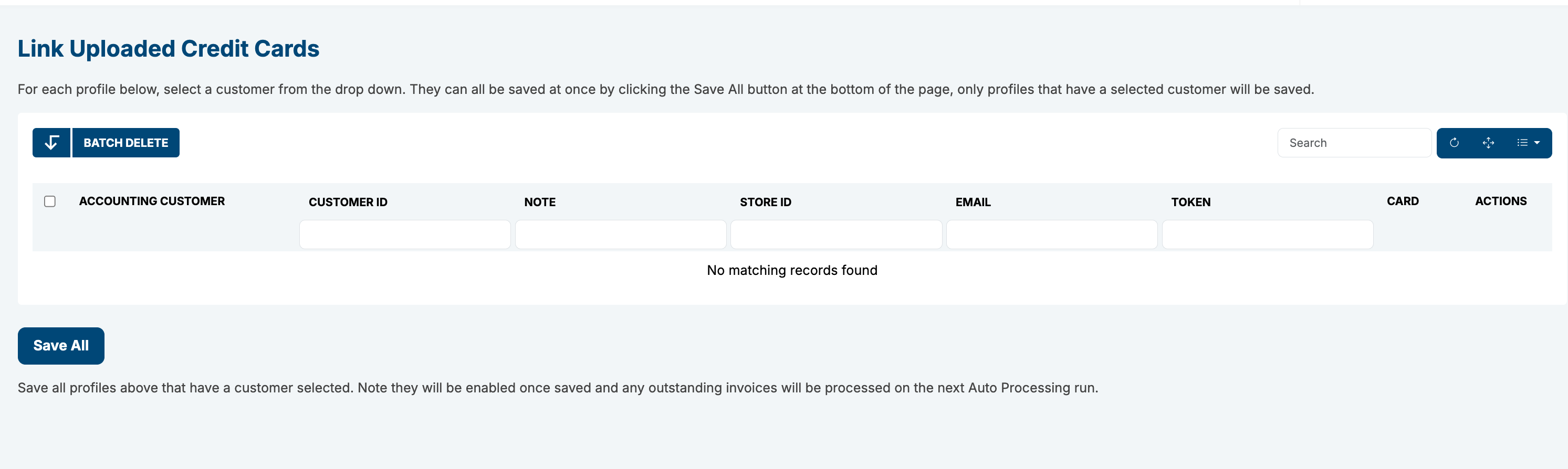
Once all profiles are linked, you can verify by going to the Customers list in Benji Pays, selecting a customer, scrolling down, and checking the payment profile to confirm that the credit card has been saved correctly.
Was this article helpful?
That’s Great!
Thank you for your feedback
Sorry! We couldn't be helpful
Thank you for your feedback
Feedback sent
We appreciate your effort and will try to fix the article